🚀 Top 5 Free SEO Tools for 2026 (Boost Your Rankings Today)
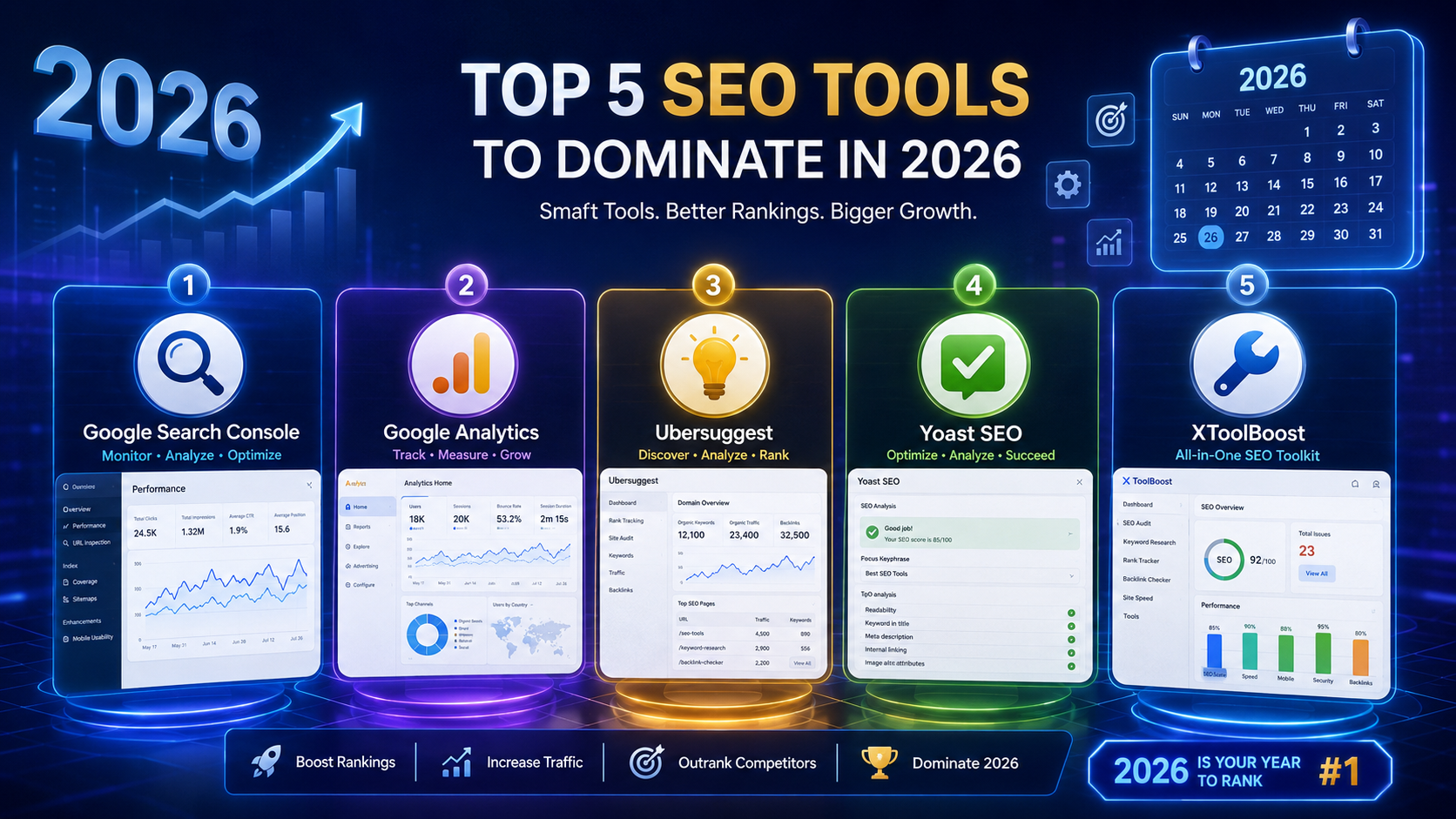
Did you know that 68% of all online experiences begin with a search engine? If your website isn't optimized for search, you're missing out on thousands of potential visitors every month.
In this comprehensive guide, I'll share the top 5 free SEO tools for 2026 that will help you:
- 📈 Rank higher on Google
- 🔍 Find profitable keywords
- 📊 Track your performance
- 🏆 Beat your competitors
Best of all? Every single tool on this list is 100% free – no hidden costs, no credit card required.
🎯 Why You Need SEO Tools
| Reason | Benefit |
|---|---|
| Save Time | Automate tedious SEO tasks |
| Find Opportunities | Discover keywords your competitors are ranking for |
| Track Progress | Monitor your rankings over time |
| Fix Issues | Identify technical SEO problems |
| Stay Competitive | See what your competitors are doing |
📋 The Top 5 Free SEO Tools for 2026
1️⃣ Google Search Console – The #1 Essential Tool
| Feature | Details |
|---|---|
| Price | 100% Free |
| Best For | Tracking search performance |
| Platform | Web |

What It Does:
Google Search Console (GSC) is the most important SEO tool you'll ever use. It's directly from Google and gives you insider data about how your site performs in search results.
Key Features:
How to Set It Up:
- Go to Google Search Console
- Sign in with your Google account
- Add your website property
- Verify ownership (via HTML file, DNS, or Google Analytics)
- Wait 24-48 hours for data to appear
2️⃣ Google Analytics – Understand Your Audience
| Feature | Details |
|---|---|
| Price | 100% Free |
| Best For | Understanding user behavior |
| Platform | Web |
What It Does:
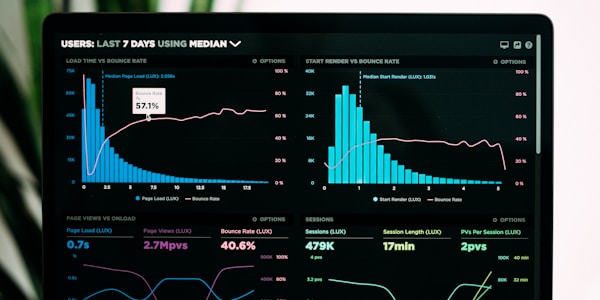
Google Analytics (GA) helps you understand who visits your website, where they come from, and what they do on your site. It's essential for making data-driven decisions.
Key Features:
How to Set It Up:
- Go to Google Analytics
- Create a new account and property
- Add the tracking code to your website's
<head>section - Wait 24-48 hours for data collection
3️⃣ Ubersuggest – All-in-One SEO Tool
| Feature | Details |
|---|---|
| Price | Free (with limitations) |
| Best For | Keyword research & competitor analysis |
| Platform | Web & Chrome Extension |

What It Does:
Ubersuggest, created by Neil Patel, is a powerful all-in-one SEO tool that helps you find keywords, analyze competitors, and discover content ideas.
Key Features:
What You Get for Free:
- 3 free searches per day
- Up to 50 keyword ideas per search
- Basic competitor analysis
4️⃣ Yoast SEO – Best for WordPress Users
| Feature | Details |
|---|---|
| Price | Free (with premium version available) |
| Best For | On-page SEO optimization |
| Platform | WordPress Plugin |

What It Does:
Yoast SEO is the most popular SEO plugin for WordPress. It helps you optimize every blog post and page for search engines.
Key Features:
How to Use It:
- Install the Yoast SEO plugin in WordPress
- Go to each post/page and set your focus keyword
- Follow the suggestions in the Yoast SEO box
- Aim for "Green" indicators (good SEO and readability)
5️⃣ XToolBoost SEO Meta Generator – Free & Simple
| Feature | Details |
|---|---|
| Price | 100% Free |
| Best For | Creating SEO-friendly meta tags |
| Platform | Web |

What It Does:
The XToolBoost SEO Meta Generator helps you create perfect meta titles and descriptions in seconds. It's free, simple, and works on any device.
Key Features:
How to Use It:
- Visit the SEO Meta Generator
- Enter your content/topic
- Click "Generate"
- Copy the perfect meta title and description
📊 Tool Comparison Table
| Tool | Best For | Price | Ease of Use | Platform |
|---|---|---|---|---|
| Google Search Console | Tracking performance | ✅ Free | Easy | Web |
| Google Analytics | Understanding audience | ✅ Free | Medium | Web |
| Ubersuggest | Keyword research | ✅ Free (limited) | Easy | Web/Chrome |
| Yoast SEO | On-page optimization | ✅ Free | Easy | WordPress |
| XToolBoost SEO Meta | Meta tag creation | ✅ Free | Very Easy | Web |
🎯 How to Use These Tools Together
Step-by-Step Strategy:
1️⃣ Start with Google Search Console
- Check which keywords already bring traffic
- Identify pages with high impressions but low clicks (these need better meta titles)
2️⃣ Use Ubersuggest for Keyword Research
- Find 5-10 keywords for each blog post
- Focus on long-tail keywords with low competition
- Analyze what your competitors are ranking for
3️⃣ Use XToolBoost SEO Meta Generator
- Create perfect meta titles and descriptions
- Keep titles under 60 characters
- Keep descriptions under 160 characters
4️⃣ If Using WordPress: Install Yoast SEO
- Set your focus keyword
- Follow the suggestions
- Aim for green indicators
5️⃣ Track Results with Google Analytics & Search Console
- Monitor traffic changes weekly
- Check which keywords are performing best
- Double down on what works
📈 Additional Free SEO Tools Worth Knowing
| Tool | Use Case | Price |
|---|---|---|
| AnswerThePublic | Find content ideas | Free (limited) |
| Screaming Frog | Technical SEO audit | Free (limited) |
| GTmetrix | Speed test | Free |
| Google Trends | Find trending topics | Free |
| TinyPNG | Compress images for speed | Free |
| XML Sitemaps | Create sitemaps | Free |
❓ Frequently Asked Questions
Absolutely. SEO tools provide data you simply can't get otherwise. They help you make informed decisions instead of guessing.
Yes! For most websites, the free versions of these tools are more than enough to rank well and grow traffic.
SEO is not instant. It typically takes 3-6 months to see significant results from your SEO efforts.
Yes. Tools like Google Search Console, Google Analytics, Ubersuggest, and XToolBoost work with any website platform.
Google Search Console is the most important because it gives you data directly from Google about your site's performance.
- Google Search Console: Weekly
- Google Analytics: Daily
- Ubersuggest: Monthly (or before writing new content)
- Yoast SEO: Every time you publish a post
- XToolBoost SEO Meta: Every time you create a new page
🚀 Quick Start Checklist
📝 Final Thoughts
SEO doesn't have to be expensive or complicated. With these 5 free tools, you have everything you need to:
- Find the right keywords
- Create optimized content
- Track your progress
- Beat your competitors
Start with Google Search Console today – it's completely free and gives you the most valuable data for improving your site's performance.